1. Getting started
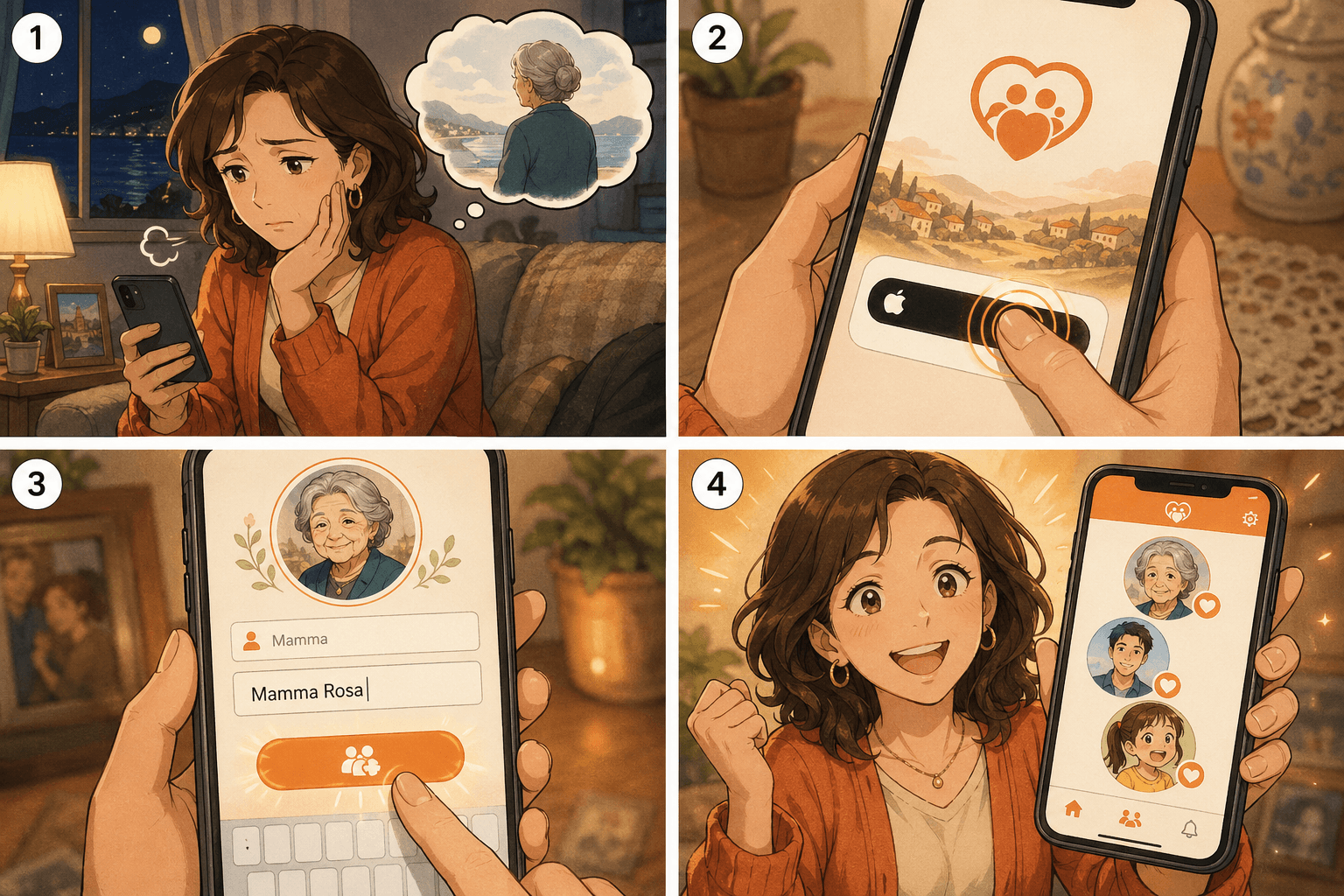
Sign in with Apple, type your mother's name and create a family group. In under a minute you are ready to share with your siblings.
1
Worried about Mom. Searching CareFam
2. Medication reminders
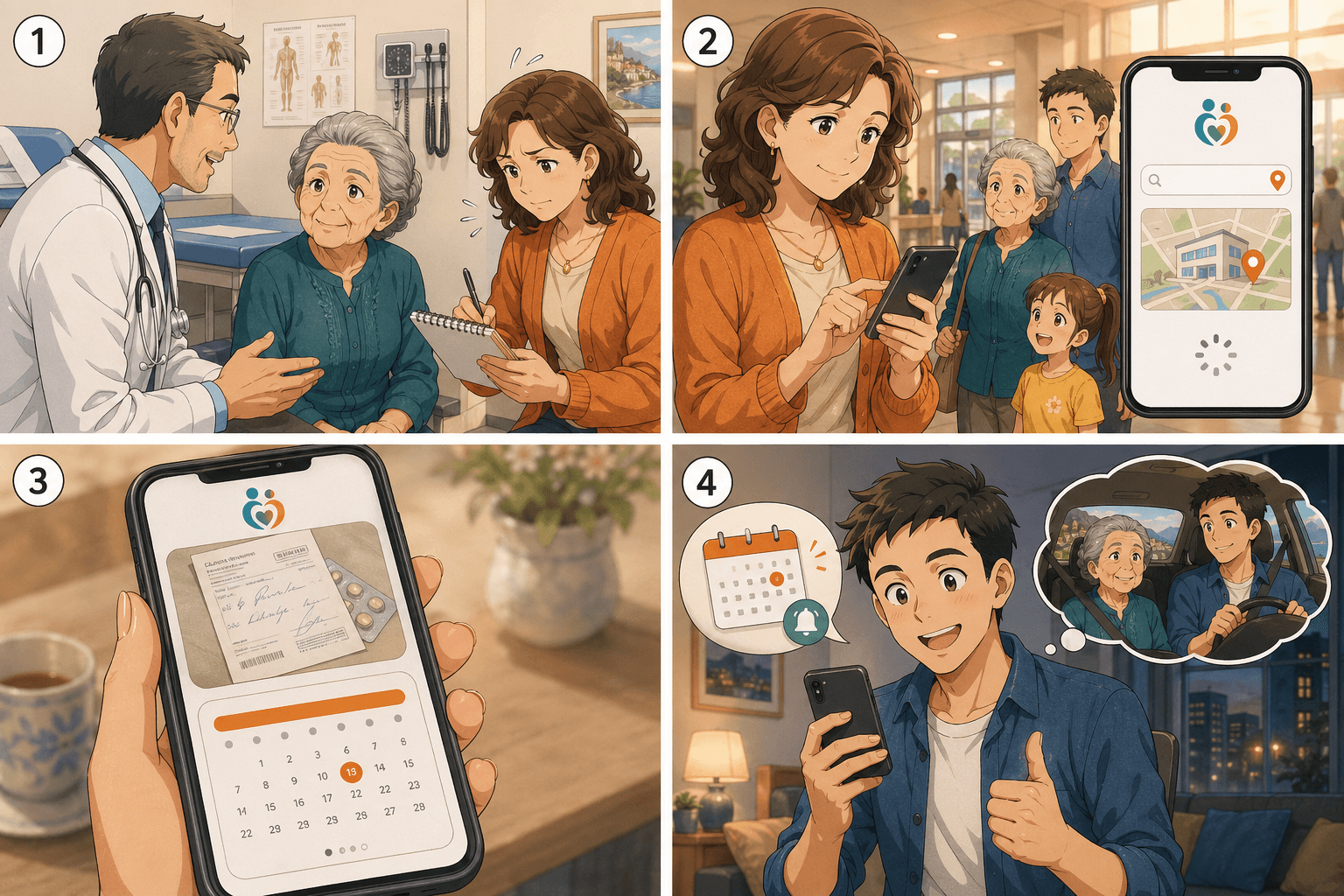
Snap a photo of the pill, set the dose and time. A notification fires at the right hour, and the whole family sees who gave the dose.
3. Doctor visits
Pick the hospital from a map, save the prescription photo and next appointment. Distant siblings know exactly when their turn comes.
4. Daily condition
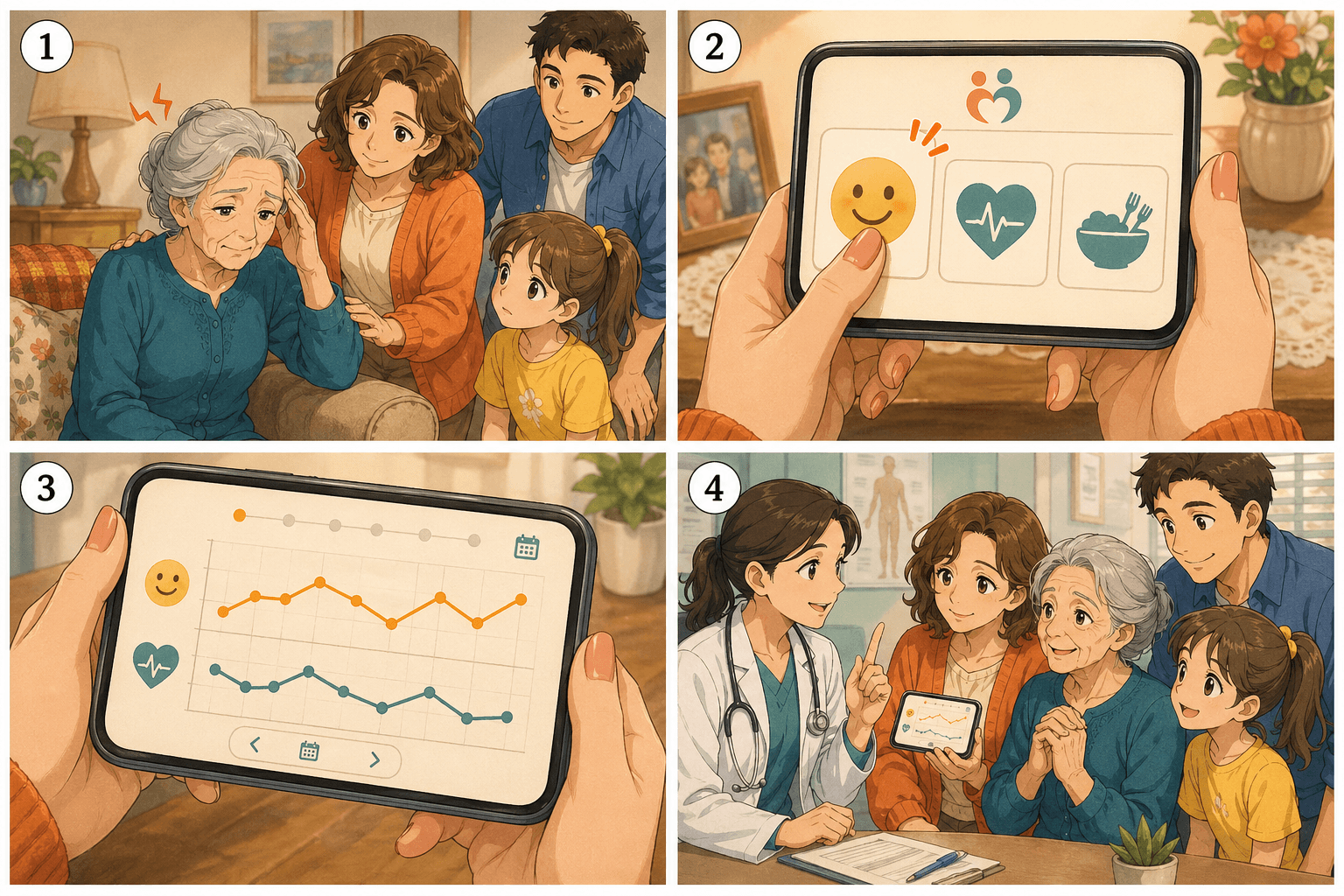
Log mood, blood pressure and appetite in one tap. The weekly graph speaks for itself when you sit in the doctor's office.
5. Family chat & invites
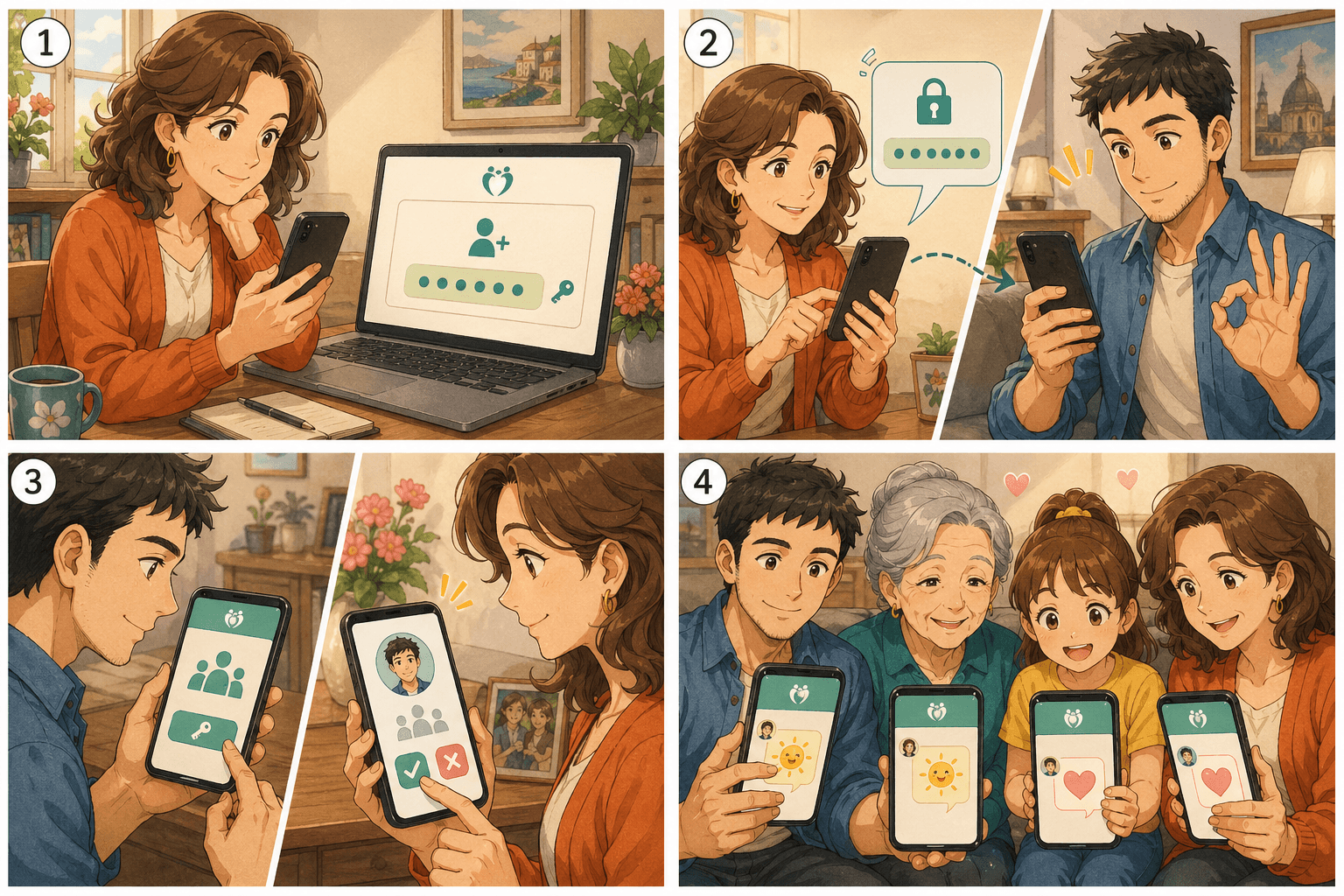
Generate an invite code per sibling. Approval-based — no strangers, no ads. Share the day in a private chat that stays in the family.
6. Caring for both parents
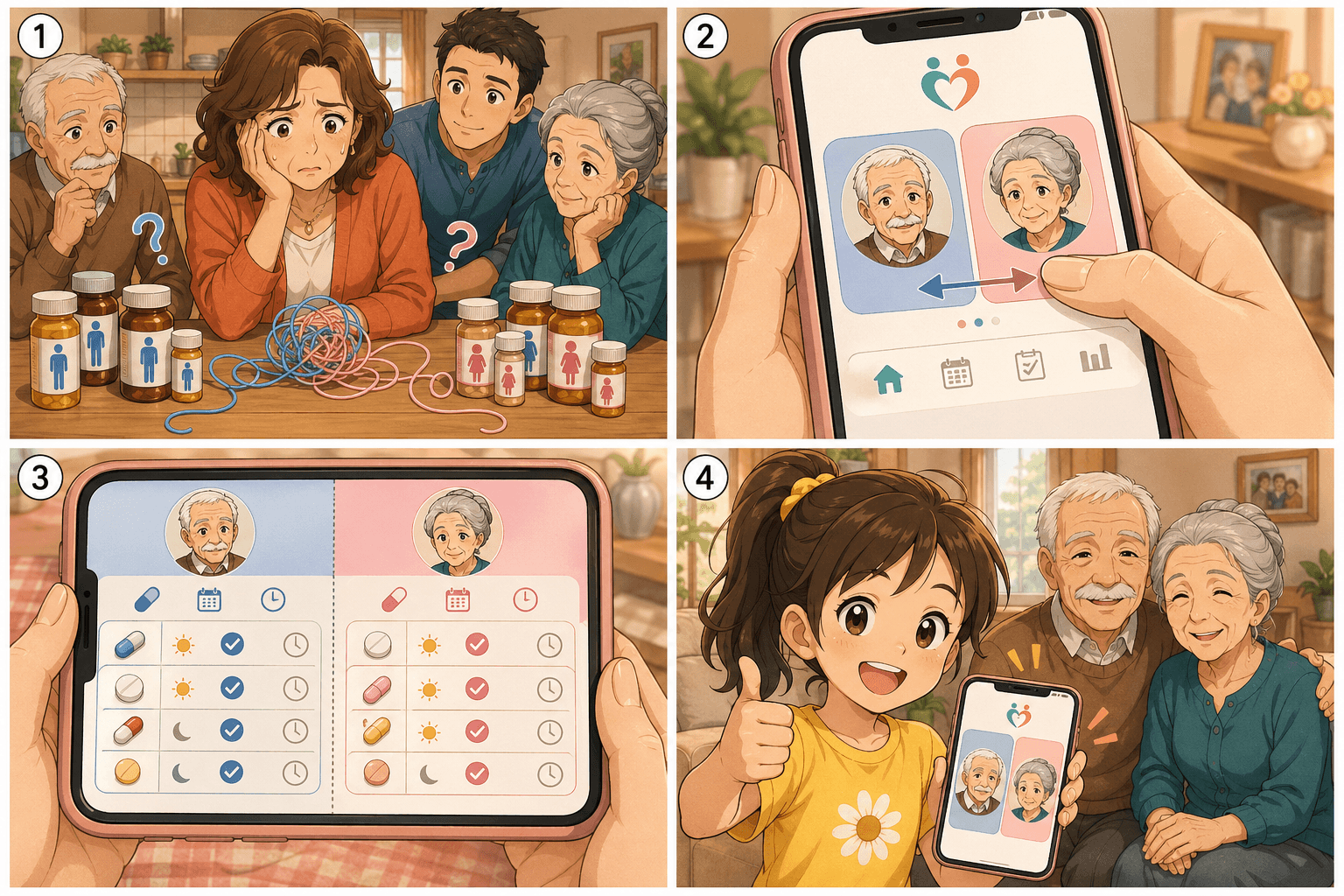
Switch between Papa and Mamma with a tab. Data stays separate, so even your child can help out without confusion.